

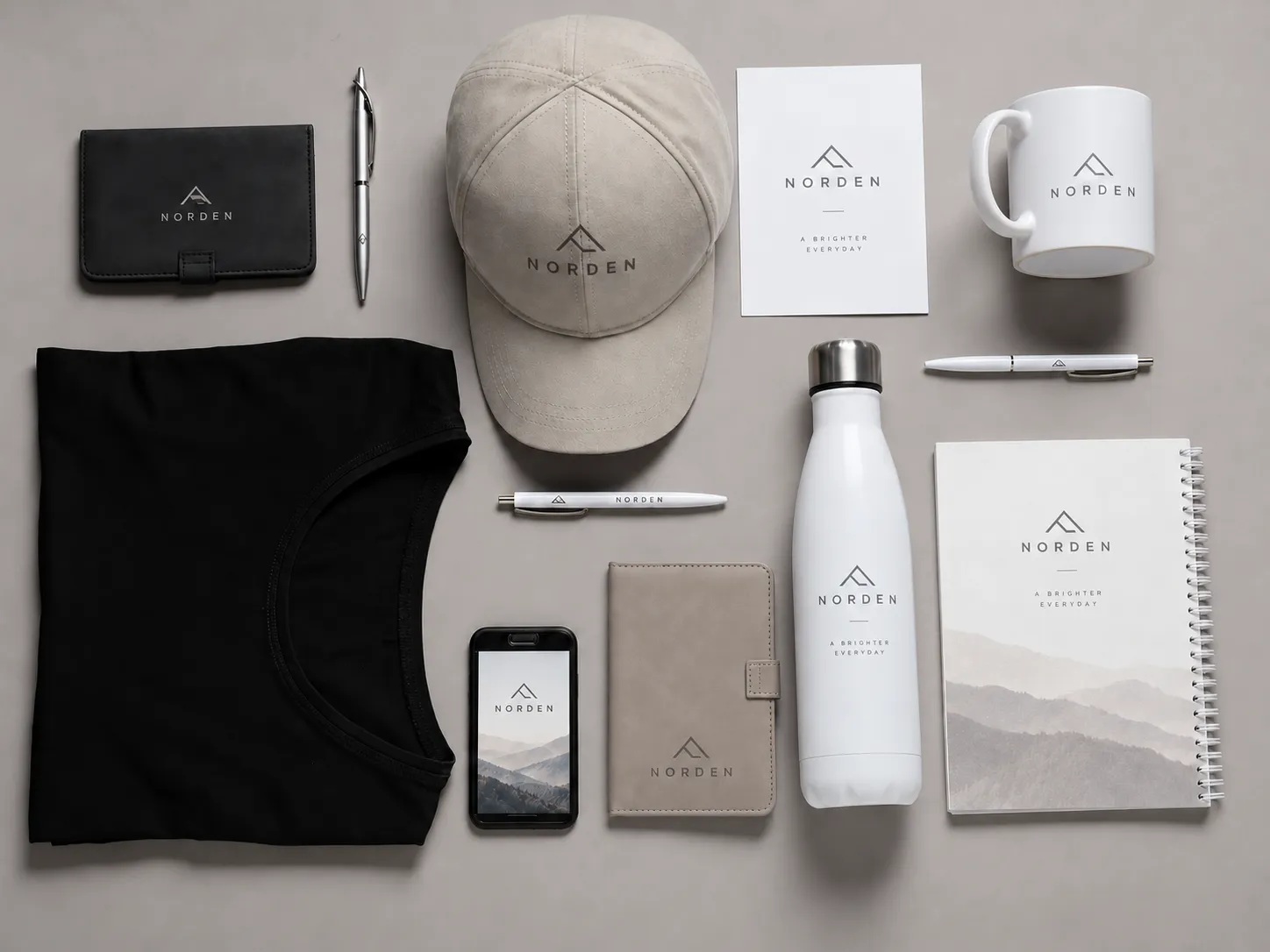
There is a science behind how we create your mockups, and there are a lot of steps involved before we send them off. The process involves both creativity and technical precision to ensure your vision is accurately represented.
Mockups aren't only pictures of a product with a logo slapped onto them. They represent your vision in a visual. They're a step closer to having a tangible reminder of why your brand is important.
A mockup is also one of the pieces of your product process that passes through several people involved in the final product. It starts with the client communicating their vision to the sales associate, who then passes that information to the graphic designer. The designer creates the first draft, and then the client gets a chance to review the mockup.
And we're not done here! The mockup is still a useful part of the process that will be submitted to the manufacturer, who will use it as a guide and reference during the production of the final product.
As a graphic designer, it's quite awesome to acknowledge all these steps and realize that everyone gets to see your visualization.
If we rewind to the design stage, the first professional involved is the graphic designer. There are several steps to achieving a mockup that closely resembles the final product, and whether it's graphic-heavy or simple, these steps are always taken.
Understanding the Client's Vision
Firstly, the designer will study the request provided by the client or salesperson, ensuring the information is accurate and they have all the required graphic materials and product details.
Preparing the Artwork
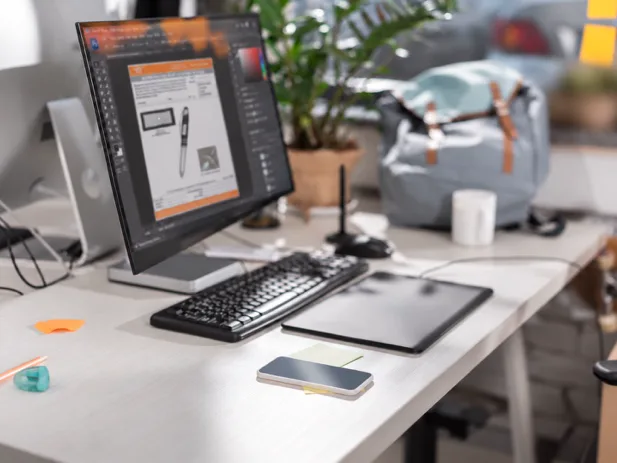
The next step towards creating the first draft of a mockup is for the graphic designer to ensure the graphics provided are in optimal resolution. If not, the designer will go ahead and recreate the artwork as closely as possible to the original design.
This step is important because low-resolution graphics can appear blurry or pixelated, affecting the quality of the mockup.
The designer will also ensure the colours are as accurate as possible, using a Pantone book to double-check colour references and help maintain consistency. However, colours may still appear differently on screens and finished products.
After ensuring all the materials and product details are accurate, the graphic designer will locate and download high-quality images from the product pages provided, while simultaneously ensuring the logo placement and measurements make sense on the product.
In most cases, the designer will download any sales or design assets needed from the website at hand. For example, art templates, blank images of products, etc.
Finding images is the easy part. Ensuring the measurements for the brand graphics fit well on the product takes another step.
Creating a Realistic Product Mockup
Now that the technical parts are done, it is time for the graphic designer to accurately place graphics onto products.
The designer will add, remove, and adjust elements and settings to ensure the logo looks as natural as possible.
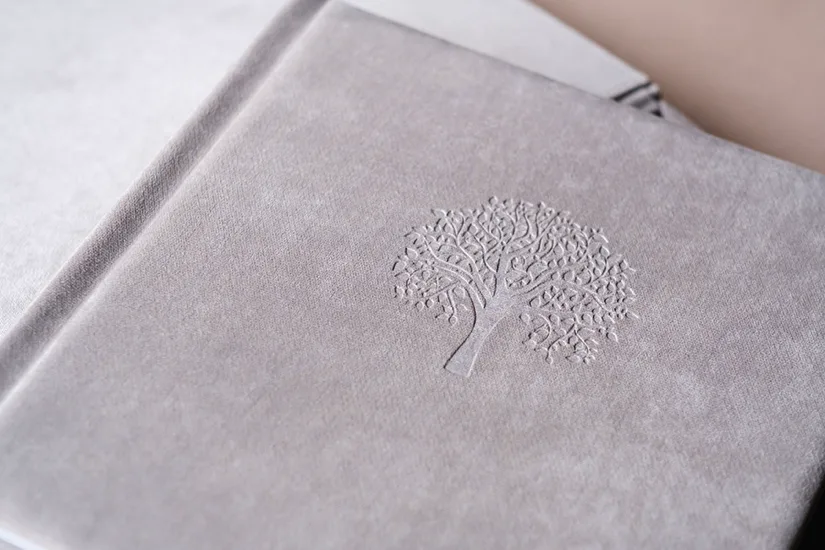
For example, a debossed logo on a hardcover journal will require a few steps in Adobe Photoshop to give the logo inner depth.
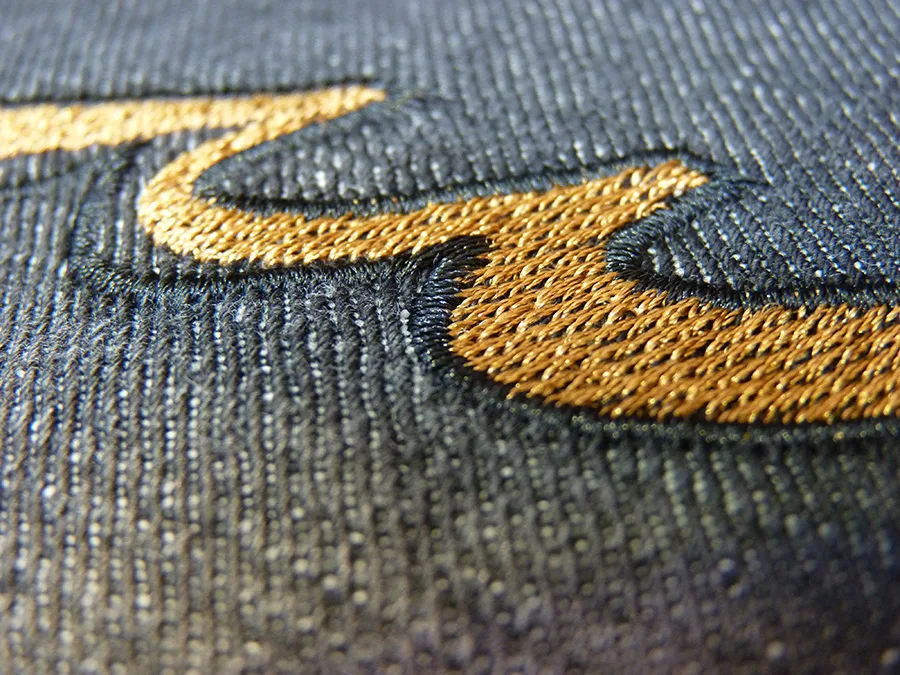
An embroidered logo will require adjusting the texture of the artwork to resemble thread material, so the embroidery looks as realistic as possible to the client.
In some cases, the graphic artist will also adjust the shading, highlighting, or colours of the logo to match the product appropriately.
In some (fun) cases, the graphic designer will need to create custom designs for your brand, including custom graphics for T-shirts and other products. Unlike placing an existing logo onto a product, this involves creating artwork specifically for the product itself.
Final Details and Revisions
Once this is done, it's a good time to add the specifications whenever needed. These may include logo measurements, placement, imprint colours, or decoration methods to help communicate the details of the design.
If the mockup contains a small logo, it's crucial to include a larger display of the logo to ensure you can clearly see and understand what you are receiving.
That's how we create our first draft, and we hope you like it!
Sometimes the first visual is not exactly how you imagined it to look, so you may have a few adjustments to make. This is a normal part of the creative process, and your feedback helps us get closer to your vision.
In this case, we will revisit the design and create a revised mockup for you, while keeping the earlier one in storage in case you change your mind.
Mockups are the first set of graphics that help bring your vision to reality. Every step, from preparing your artwork to adding the finishing details, helps you better understand how your design could look on the final product.
It's all part of making sure you feel confident in your vision before it becomes a tangible product.